Splash hand-off
The static native splash dissolves into the product's animated mark until the first screen is ready — same place, same size, same background, no flash.
Mobile only — React Native, from @krizaka/ui/native. Beta: its API may still change in a minor version.
Why it is here. the native apps: Yazakia (PY4), Yororis (PYO2), Orochia mobile (PS6), Orazaka mobile: the launch screen that dissolves into the product mark (krizaka-ui#137).
When to use
- The start of an app: from the launch image to the first screen, while the session and the fonts load.
- Any cold start that takes longer than the blink of an eye.
When not to use
- A wait inside the app, once a screen is showing.Use instead: Loader
- A refresh the person asked for.Use instead: Pull to refresh
Installation
Install
npx expo install react-native-svg
npm install @krizaka/ui
Import
import { SplashHandoff } from "@krizaka/ui/native";Wrap the app once in ThemeProvider from @krizaka/ui/native: every component reads its colour roles.
Examples
React Native has no live preview on the web: each example shows the screenshot of its story, tested in both themes, and the code to copy.
Opening
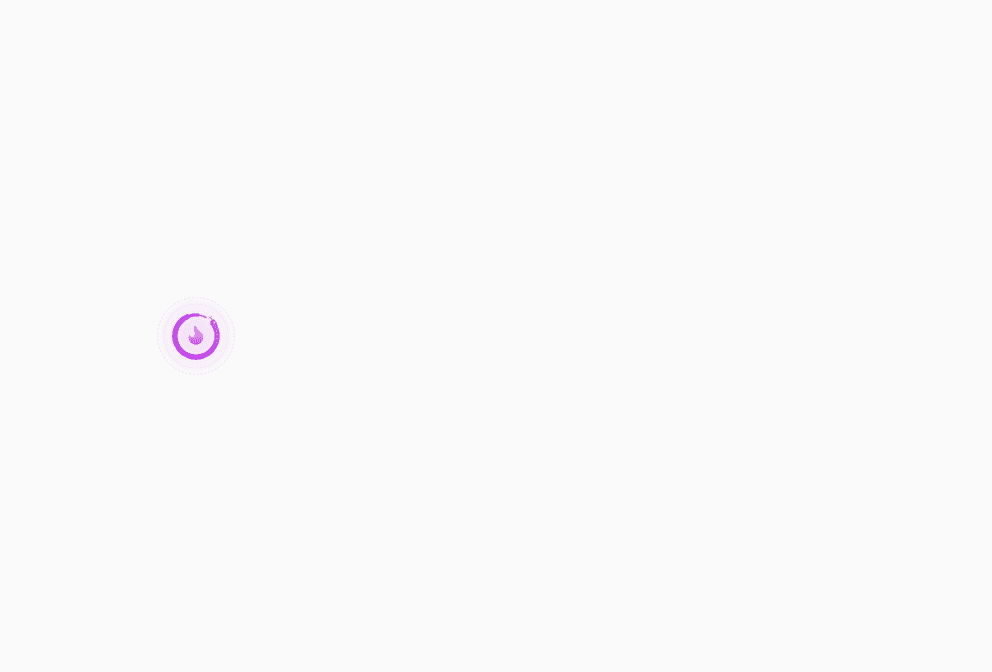
Orochia's animated mark on the splash's background while the app gets ready.

Props
The splash hand-off: the app's first frame is the static native splash; this puts the product's animated mark at the
same place and size over the same background, then dissolves it away once ready. Render it above the app's root
(absolute, full screen) and unmount nothing yourself: it removes its own content when the dissolve ends. Reduced
motion: the mark stands still and the splash leaves without fading.
| Prop | Type | Default | Description |
|---|---|---|---|
labelrequired | string | — | The words a screen reader hears while it waits (“Orochia is opening”) — passed translated. |
productrequired | BrandId | — | The product whose animated mark holds the screen. |
readyrequired | boolean | — | true once the first screen is ready to show: the splash dissolves into it. |
background | string | — | The background. Default: the theme's page colour, the one app.json gives the native splash. |
duration | number | 320 | The dissolve, in milliseconds. Default 320; none under reduced motion. |
onDone | (() => void) | — | Called when the dissolve is over and the splash has left. |
onShown | (() => void) | — | Called once the splash is on screen and painted — hide the native splash here
(SplashScreen.hideAsync() of expo-splash-screen), so the static image dissolves into this one with no flash. |
size | number | 96 | The mark's side, in points. Default 96 — the size of the native splash icon, so nothing jumps. |
style | StyleProp<ViewStyle> | — | Styles merged last. |
Accessibility
- A
progressbarnamed bylabel(“Orochia is opening”), busy until it leaves; the first screen takes the reading order after it. - Reduced motion: the mark stands still and the splash leaves without fading.
Best practices
- Give
app.json's splash the same background and the mark's size (96 by default), so the hand-off does not jump. - Hide the native splash in
onShown(SplashScreen.hideAsync()): the animated mark is already under it. - Set
readywhen the session and the fonts are there, not on a timer.
Related components
Generated from the code of @krizaka/ui 3.6.0: its meta.ts, its examples and its types.Edit this documentation on GitHub