Image viewer
Images full screen on black: pinch and double tap to zoom, swipe between images, swipe down to close.
Mobile only — React Native, from @krizaka/ui/native. Beta: its API may still change in a minor version.
When to use
- The photos of a post or a message, opened full screen.
- A creator's gallery.
When not to use
- For a video.Use instead: Video player
- To crop an image before upload.Use instead: Image cropper
Installation
Install
npx expo install react-native-svg
npm install @krizaka/ui
Import
import { ImageViewer, prefetchNeighbours } from "@krizaka/ui/native";Wrap the app once in ThemeProvider from @krizaka/ui/native: every component reads its colour roles.
Examples
React Native has no live preview on the web: each example shows the screenshot of its story, tested in both themes, and the code to copy.
A gallery
Three photos, the first one open, its caption under it.
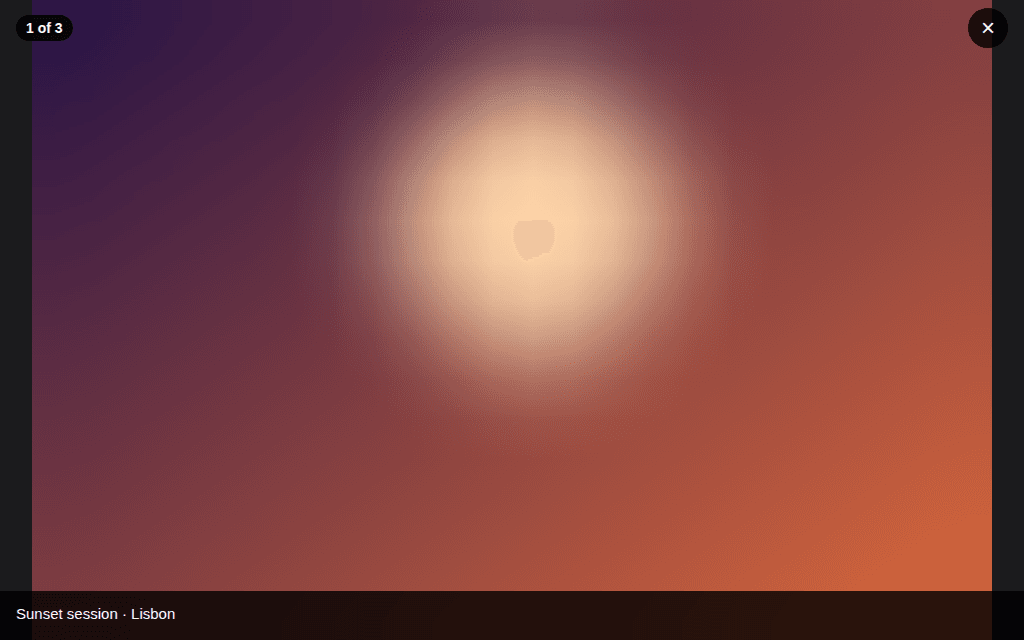
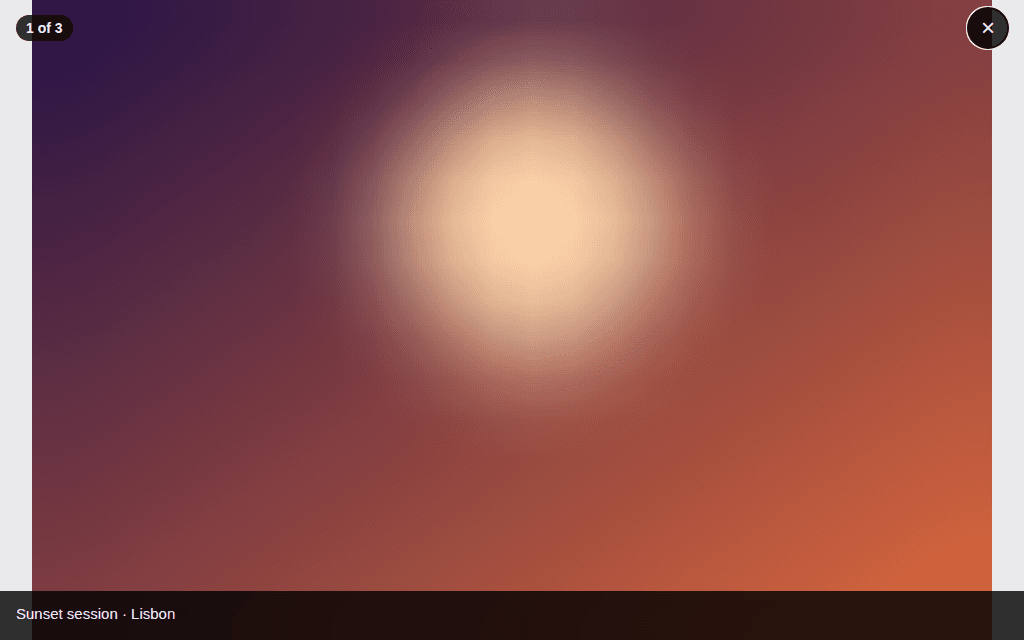
Props
Images full screen, on black: pinch to zoom (to 4×), double tap to zoom in and out, drag a zoomed image, swipe left and right between images, swipe down to close. Screen readers get the image's words, its position, and the close button; their swipes move between images (accessibility actions).
| Prop | Type | Default | Description |
|---|---|---|---|
closeLabelrequired | string | — | The close button's words (“Close”) — passed translated. |
imagesrequired | readonly ViewerImage[] | — | The images, in order. |
indexrequired | number | null | — | The image open (its index); null closes the viewer. |
onIndexChangerequired | (index: number | null) => void | — | Called when the person moves to another image or closes the viewer (null). |
positionLabel | ((position: number, total: number) => string) | (n, total) => `${n} / ${total}` | The position for screen readers and the counter: (n, total) => "2 of 5". |
Accessibility
- The image is named by its words and its position (“2 of 5”); swipes of the screen reader move between images.
- The close button is named by
closeLabel; the escape gesture closes it.
Best practices
- Give every image its words (
alt); a caption when it adds something. - Call
prefetchNeighboursso the next swipe shows at once.
Related components
Generated from the code of @krizaka/ui 3.5.0: its meta.ts, its examples and its types.Edit this documentation on GitHub
Image cropper
A fixed frame — square, round, 9:16, a banner — over a picture or a video the person drags and zooms; a focus point and a zoom out, cropRect for the pixels.
Media capture
The camera in the page: a photo or a clip, front or back, the permission asked only on a gesture, and a way out every time the camera cannot start.