Act
You come here when a person must do something once: reach the team, sign in or up, set up, pay.
On a phone, resize the frame or open the layout's page: every template reads in one column.
Onboarding
The steps in words above the current step's form.
Why this layout. A new person completes a setup one step at a time, knowing how many remain. Built on Auth layout
Your payout account
Where your earnings go every Monday.
Profile — Done
Payouts — Current step
Identity — Upcoming
Orochia · sign in
The brand panel with the promise and a creator's words, email and password, a passkey.
Why this layout. A returning person signs in fast, with the product's promise beside the form. Built on Auth layout
Welcome back
Sign in to your studio.
No account yet? Create one
By signing in you accept the terms and the privacy policy.
Talk to the team
Channels, the form and what happens next.
Why this layout. A visitor reaches a human by the channel they prefer and learns what happens after they write. Built on Contact page
Contact
Talk to the people who build it
A person answers within two working days, in English or in French.
Questions and ideas, in public.
An issue on the repository.
What happens next
- We read itThe same day, on working days.
- We answerWithin two working days.
Tip checkout
Who is paid, the amount in one tap, an optional word, the total beside the pay button.
Why this layout. A person pays in a few taps and sees the exact total before committing. Built on Detail layout
Sign in
The mark, two fields, the main action pinned.
Why this layout. A person signs in with the least typing: the brand, two fields, the main action pinned above the keyboard. Built on Screen · Mobile
Map
The map fills the screen; a marker opens its place in a bottom sheet with the one action.
Why this layout. A person chooses a place by where it is, with every marker also a named button. Built on Screen · Mobile
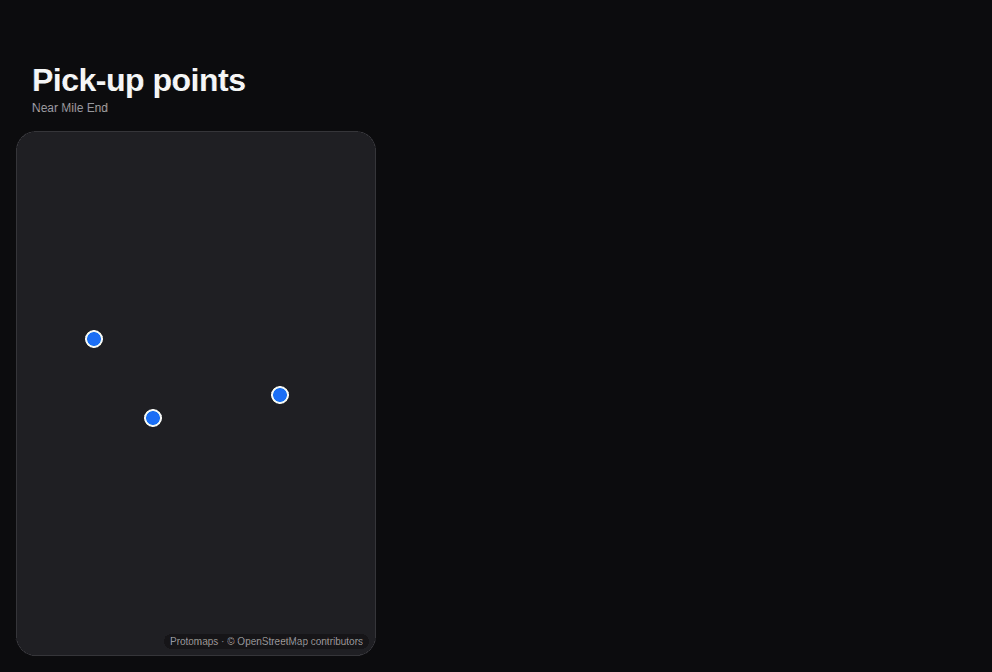
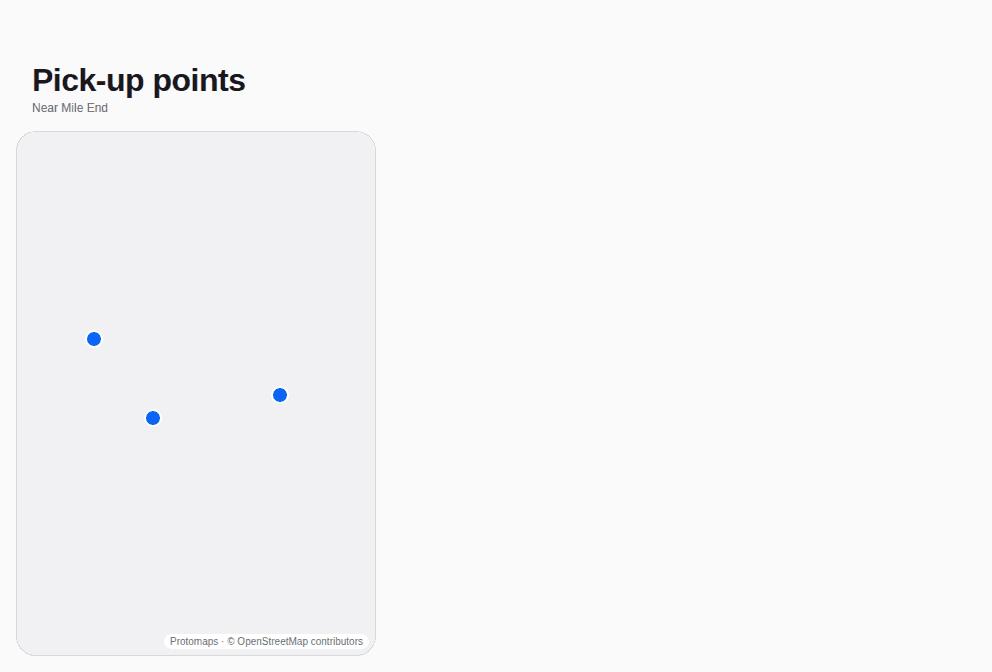
Find a place nearby
The map is the page; the list beside it says the same in words and moves with it.
Why this layout. A person picks a place by where it is, with the list as an equal way in. Built on Split view